




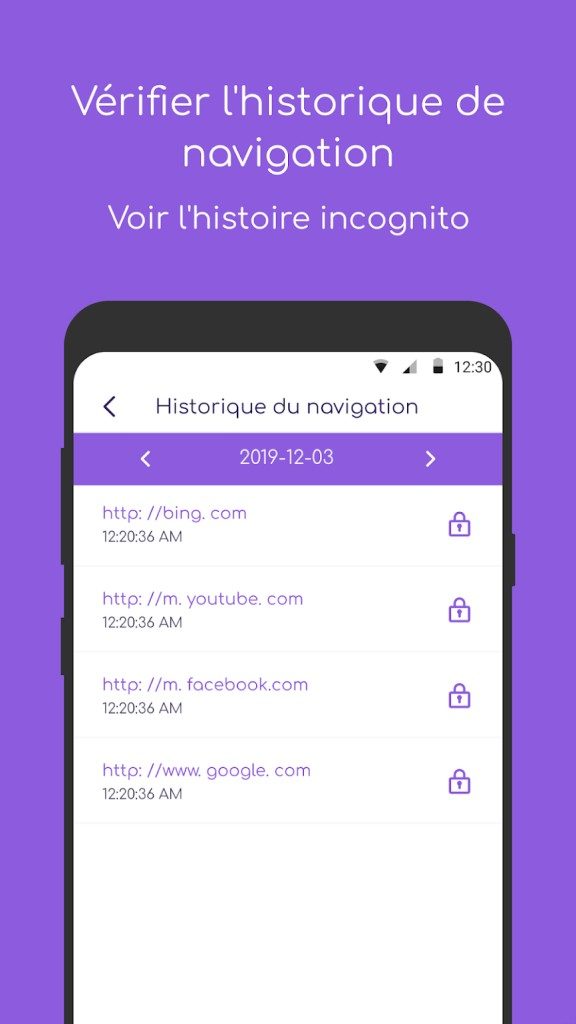
Parents pay special attention to the digital parenting crisis. Children are going online earlier, deeper and more often than any previous generation. The question is not whether they are connected. It’s about how you keep them safe without putting your home under surveillance. This is where Wondershare Famisafe comes into play. This is more than just an app. It’s a pragmatic technical shield designed to help families deal with the clutter of connected devices.
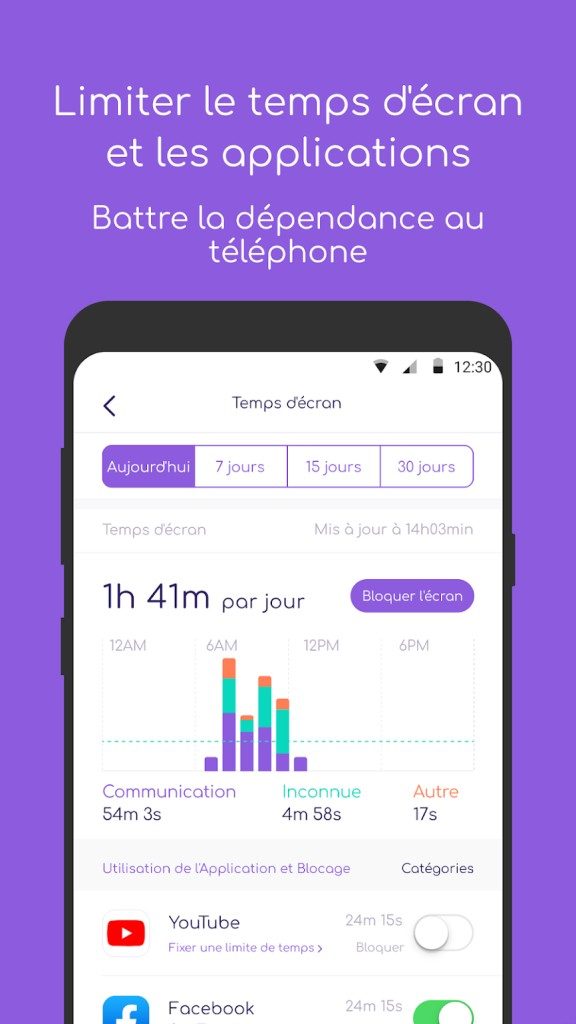
This software does not pretend to be a magic wand. It offers specific tools for managing usage time, search security and blocking inappropriate content on platforms like YouTube. For parents, this means practical ways to take back control.
Tailoring Digital Boundaries by Age
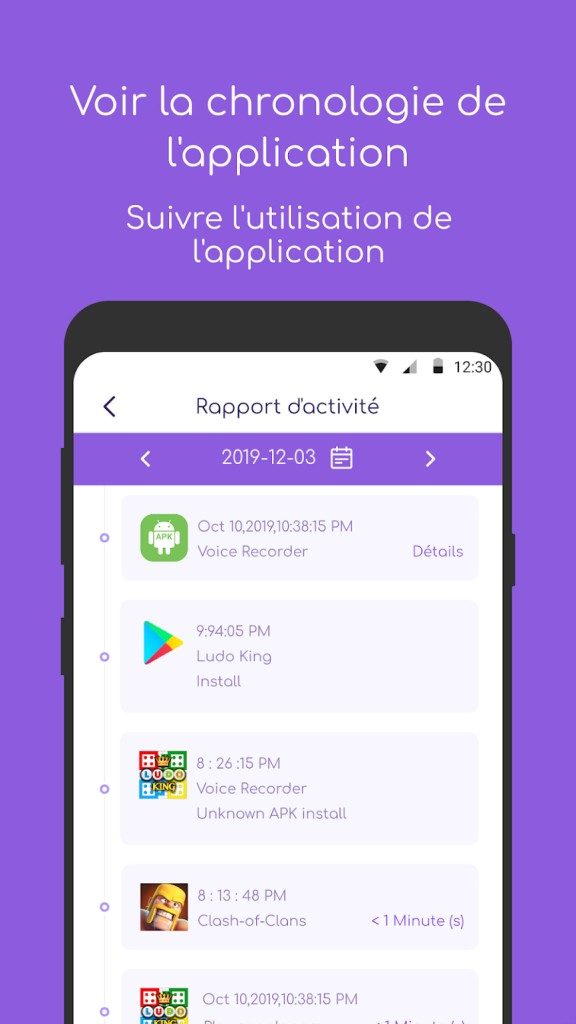
Famisafe’s strength is its adaptability. The set of rules that apply to 9-year-olds do not apply to 16-year-olds. This interface allows parents to adjust the limits according to their child’s age. You can define usage windows. You can block certain apps. You can filter out content that is not in line with your family’s values.
But it’s not just about blocking. The app tracks location. Parents are alerted when their child crosses pre-defined geographic boundaries. This isn’t just about keeping tabs; It’s about creating a safe environment for kids to explore digitally without getting lost in the weeds. The goal is educational, not punitive. Encourages responsible use while preserving children’s independence.
One dashboard for all devices in the home
Compatibility is often the Achilles heel of parental control software. You buy an app but realize it doesn’t work on your child’s old Android tablet or your partner’s iPhone. Famisafe avoids this pitfall. Covers most current operating systems.
Windows and macOS get full software support. There is a separate mobile app for Android and iOS devices. Even if your kids just use Chrome on a shared computer, there’s an extension for that. This creates a centralized dashboard. Parents can track activity across multiple groups of devices without having to switch between five different apps. It’s messy, but it’s manageable.
“This tool prioritizes intergenerational dialogue over prejudice and offers flexible parameters that change with family needs.”
Setup and Settings: Keeping It Safe
Downloading software is easy, but the source is important. Use Wondershare official website or trusted software platform. You want the authentic file, free from malware or bundled junk. Official channels ensure that you get the latest and most secure version.
Once you have the installer, follow the instructions. Run the executable on Windows or Mac, accept the terms and select a folder. The important step is to create a Wondershare account or login. This account is the hub. Sync all your devices and manages the child profiles centrally.
On mobile, it’s similar. The application can be downloaded from the Google Play Store or the Apple App Store. You must grant certain permissions to activity tracking and location services. These permissions cannot be negotiated in order for the app to work as expected.
What systems does it actually support?
All things are not created equal. Famisafe is designed to handle the latest home technology. Supports Windows 7 – Windows 11 operating systems. Works on macOS. Covers major versions of Android and iOS. The Chrome extension fills the gaps for browser-only usage.
There is a hard limit, though. Not compatible with Linux. If your home only uses Linux-based systems, you’ll need to look elsewhere. In other cases, the scope is broad.
Updates are processed automatically or manually from the dashboard. This ensures you always have the latest security patches and feature enhancements. You can request an older version through support, but it’s risky. Keeping the current version is the only way to maintain optimal security and functionality.
The digital landscape of parenting is changing. New apps are released weekly. New privacy settings appear overnight. While Famisafe provides a solid foundation, it is not a set-and-forget solution. It requires engagement. You have to make the rules. You have to review the reports. This tool does the heavy lifting, but the parent still has to drive.
That’s the point. Technology can watch the screen, but it cannot replace conversation.
Wondershare Famisafe ‘s business model is based on an subscription structure. You don’t have to pay for a one-time download. There is a free tier, but it’s basically just a teaser. You can download the app and poke around. Why don’t you check the basics? But what about the actual power? This is locked behind a paywall.
If you want real-time location tracking, advanced web filtering, or detailed app management, you should buy in. Costs are related to two variables: time and devices. Monthly plans are flexible. Annual subscriptions usually result in lower monthly fees. You can choose based on how many screens your family actually uses.
Comparison of free and paid version
There is a free trial period. It exists for a reason. Let’s test the waters. Check if the interface clicks. Before handing over your credit card information, check to see if these features actually solve specific parenting pain points. This is a low-risk way of verify relevance.
In addition to trials, you can also expect flash sales. Wondershare occasionally runs promotions. Smart buyers wait for prices to drop before making a decision. It’s more than just clicking “Subscribe”. Look for discount banners first.
Educational resources and user support
Digital literacy is not static. Tools change. Threats are changing. Wondershare recognizes this gap. They don’t just sell software. they provide a knowledge base.
There are detailed guides. Video tutorials. Technical support if there are problems with the installation. More specifically, you won’t find any certified course here. But the documentation is robust enough to take novice parents from “I downloaded this” to “I’ve set up complex schedules and filters”. This is self-directed learning for modern families.
Data privacy is gets a specific nod in the documentation. They claim to compliance with international data protection standards. Transparency is part of the pitch. They want you to feel comfortable handing over control of your child’s digital footprint to their servers. For those tech-curious, this is a key differentiating factor.
Comparison of Famisafe with Qustodio and Kaspersky
The parental control market is full. Wondershare Famisafe is not the only player. You’ve got Qustodio. Norton Family. Kaspersky Safe Kids. All of these are promise safety. All these promise control.
What’s good about Famisafe? Usability. The user interface is cleaner. The parameter tuning is finer. Designed for parents who are not IT administrators. It’s about quick toggles. Set boundaries. Explain them to your children.
Competitors may offer niche features. Qustodio supports Linux. Norton strongly relies on data security analytics. Kaspersky is aimed at large families with specific pricing tiers. Famisafe focuses on the middle ground: powerful but accessible to the average user.
documentation quality is also a battleground. Wondershare produces a lot of it. Multilingual support is also useful, especially in global markets where family members may speak different languages. The ability to instantly mute the filter or adjust hours on the fly is important. It’s not just about locking things down. It’s about managing household dynamic.
The future: from surveillance to education
The industry is changing. Pure surveillance is becoming less popular. At least less effective long-term. The next evolution is not just watching. This is coaching.
Wondershare hints at features that support digital citizenship. Managing emotions online. Building autonomy. The goal changes from “keep them safe by hiding things” to “teach them how to navigate safely”. This is a gentler approach. encourages dialogue rather than just enforcement.
This shift matters. Because if your phone is locked, eventually your phone will be hacked. Or a child learning to bypass filters. The ultimate goal of tools like Famisafe is to reduce the need for the tools themselves. To help kids become responsible digital citizens.
It’s a difficult balance. Parents want to control. Children want to be free. The software is somewhere in between. If Wondershare can bridge this gap with an educational tool instead of just a limiting tool, maybe we can stay ahead of the game. The market is moving towards empowerment. The question is whether the current generation of parental controls can evolve quickly enough to respond.
Wondershare Famisafe technical information and installation requirements
Before downloading Wondershare Famisafe, you should know what you are installing yourself. This isn’t an app you can just slap on the app store and forget about. This is the system. A centralized control center for digital parenting. The specs below are for stability, not version numbers. They allow you to make sure your software actually works on your particular device without using up all your storage or draining your battery before dinner.
The architecture is multi-purpose by design. This includes home computers, parents’ cell phones, and children’s tablets. However, there is a problem here. The functions vary greatly depending on the operating system and the rights you have granted. Location tracking? Smooth on Android, but limited on iOS due to Apple’s privacy policy. Web filtering? It works everywhere, but the depth of control varies. A constant Internet connection is required to synchronize rules and generate reports. Lost your Wi-Fi connection? Local rules still apply. Kids can’t just unplug to break curfew.
This solution is designed for different home environments. Centralized management. Modular installation. Adapt to your hardware, not the other way around.
Supported platforms and compatibility
Wondershare Technology Co., Ltd. cast a wide net. This software is aimed at parents and guardians who want to manage the digital well-being of their minors. It is commercial software and is subscription-based, but a trial period is offered. Available from the official website, Google Play, App Store or Chrome Web Store.
| Class | Information |
|---|---|
| Product Name | Wondershare Famisafe |
| Publisher | Wondershare Technology Co., Ltd. |
| License Model | Commercial/Subscription (Free Trial) |
| Target Audience | Parents |
| Main categories | Parental Control and digital well-being |
| Operating System Support | Windows 7/8/8.1/10/11, macOS, Android, iOS (iPhone/iPad) |
| Desktop Architecture | 32-bit and 64-bit compatibility |
| Browser Extension | Dedicated Google Chrome extension |
| User interface language | Multilingual (including French) |
| Privacy | HTTPS transmission complies with the privacy policy |
Minimum specifications and permissions
You don’t need a supercomputer to use Wondershare Famisafe. Minimum specifications are basically devices that support the listed operating systems and have a standard storage capacity. The actual requirement is access rights. Especially on mobile devices, applications need access to accessibility services, notifications, location services and application management. Without these, parental controls are just a suggestion.
Internet connection cannot be negotiated in cloud operations. Rules synchronization, activity reporting and remote filtering policies require a real-time connection. However, local rules apply offline. This redundancy is very important. Kids find a way to turn off Wi-Fi. The software has to survive.
How it works on multiple devices
Differences between operating systems are a major sticking point. Android’s openness allows for more aggressive permission requests and therefore deeper access. iOS is more locked down. Apple’s sandbox limits what apps can see and do. So while you can still set screen time limits on iPhone, you may not have the same detailed app blocking settings on Android. This is not Famisafe’s fault. This is the reality of platforms.
For desktop users, Chrome extensions add a new level of control. Filter web content directly in your browser, independent of the main application. In Windows and macOS, the software works as a background process. It can handle both 32-bit and 64-bit architectures, so it is suitable for both old and new machines. Updates are distributed through the app itself, the app store, or the desktop installer. There is no need to patch the system manually.
Operation is expected to vary depending on the operating system. Platform-specific practices define the upper limit of possibilities.
The target audience is clear. Anyone responsible for a minor’s digital footprint. Not suitable for teenagers who want to hide their activities. Suitable for adults who want to build a frame. The user interface is multilingual, which lowers the barrier to entry even for non-English speakers. Data is transmitted securely via HTTPS and is subject to the publisher’s privacy policy. However, “secure” does not mean “private”. You are giving up huge amounts of data about your child’s digital life. The trade-off is visibility.
Installation is easy if you follow the instructions. Choose the right version for the right device. Grant the necessary permissions. Connect to the Internet. All that remains is the settings. Technical information is only basic information. The actual work is done in the settings.




This article cannot be continued because no source text or previous part of the series was provided. Paste the content you want to rewrite. Please write the following sections in English, following all SEO and style restrictions.