




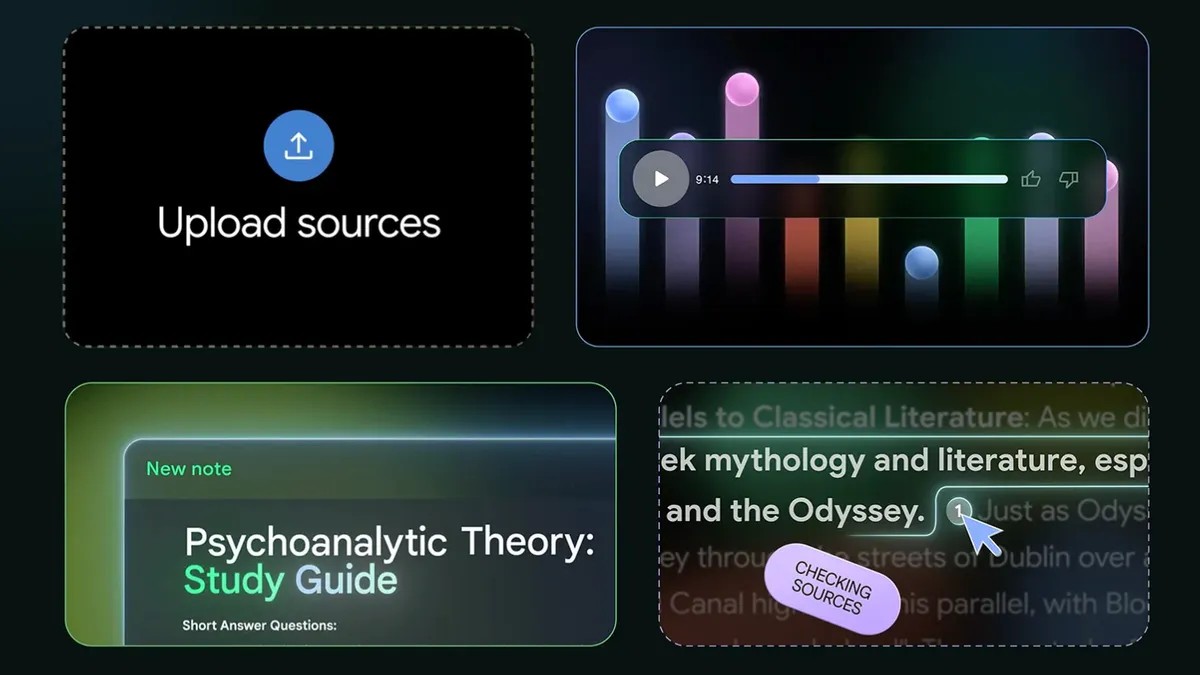
NotebookLM gets love around here. It’s our Editor’s Choice for a reason. It makes sense of your data. But Google isn’t the only player in town. Just because it’s approachable doesn’t mean it’s right for you.
Maybe you hate giving your files to Google. Maybe you need a different output. Or maybe you just want something quieter. Most other tools don’t have that shiny Audio Overview feature, sure, but they bring something else to the table. Privacy. Specificity. Depth.
Here are three other options. See if one fits.
Atlas.org
It’s 2024. The team behind Atlas.org are students and ex-teachers. The product is built for one thing: school. Not work. School.
Log in and you hit the trifecta: studying, homework, notes. Each has a sub-layer. For studying, you build guides, quizzes, or flashcards. Got audio from a lecture? Drop it in, get notes. Stuck on an assignment? It answers that too.
Your data sticks. It stays forever, growing into a knowledge base you own. You can silo topics. It has a mobile app, iOS and Android, so you can learn while standing in line for coffee.
The catch? The free tier is tight. You can upgrade to Pro for $18 a month if you need breathing room.
If you just want to survive your semester without going bald, this is for you.
Atlas Workspace
Wait. Another Atlas?
Yeah. And yes, this one is different. It’s not for studying history. It’s for scientists. For researchers. It does knowledge and semantic mapping.
Think of it as a connected brain. Upload sources. The tool maps the relationships. With NotebookLM, sources sit in separate notebooks, isolated islands. Atlas Workspace connects them. The more you add, the smarter the map gets. You don’t need to remember which PDF had the statistic you need. It finds it.
Upload a PDF? It breaks it down. Builds a knowledge map. You ask questions from there.
It’s hard to use. Really. The learning curve is a cliff. But the payoff is high if you’re dealing with complex data sets.
The free version lets you load ten sources and has five AI chats. Five. Then you’re done. The Pro plan is $20 a month. You get 1,000 sources. Unlimited chats. It keeps the projects separate but linked. That compounding knowledge? It’s powerful if you survive the setup.
OpenNotebook
We’ve written about OpenNotebook before. It looks like NotebookLM. Acts like NotebookLM.
But you have to build it.
This is for people who like knowing where the code lives. It’s self-hosted. You pick the AI model. Any model. Local or remote. Paid or free.
This sounds cool. It is. It also requires work. If you don’t like touching API keys, look away. If you do, this is freedom.
No Google tracking. No central server holding your keys. You control the pipeline.
You upload your stuff. Chat with it. It feels familiar. The engine under the hood? Yours to choose.
So why use it?
Maybe you want privacy. Maybe you want control. Or maybe you’re just tired of relying on a giant corp to remember your notes for you.