





Avira Phantom VPN positions itself as a solid defense for anyone who cares about their digital footprint. It isn’t trying to be military-grade encryption for spies. It is designed for everyday users who want to stop third parties from watching their every move.
When you turn it on, all your web traffic gets shoved into an encrypted tunnel. This blocks hackers, ISPs, and data collectors from intercepting or exploiting your browsing habits. The real test is always public Wi-Fi. You know that coffee shop hotspot is risky. Phantom VPN handles that vulnerability by ensuring no one can snoop on your connection while you are out and about.
Anonymity comes next. The software assigns you a fake IP address tied to the server you choose. Sites can no longer trace back to your real location or identity. This matters for two reasons. First, it keeps you anonymous. Second, it bypasses geo-restrictions. With Avira’s extensive international server coverage, you can access regional content like streaming platforms or news sites from anywhere. It adapts to whether you just want privacy or need to unlock blocked content.
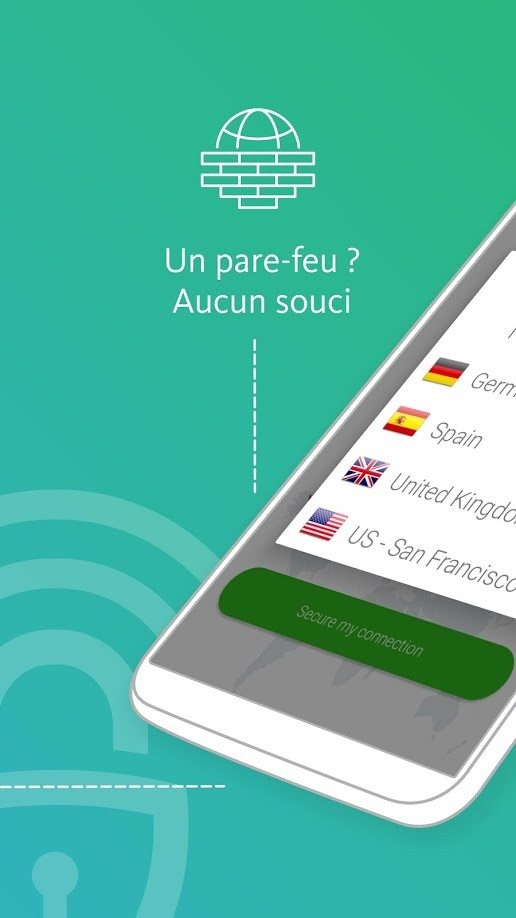
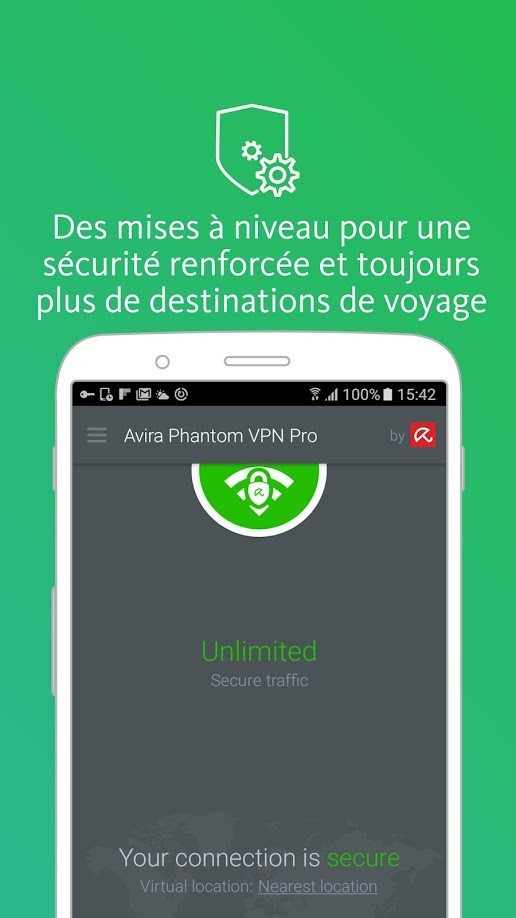
The interface is stripped down and intuitive. You do not need a degree in networking to use it. A single click establishes a secure connection. Novices and veterans alike find it easy to navigate.
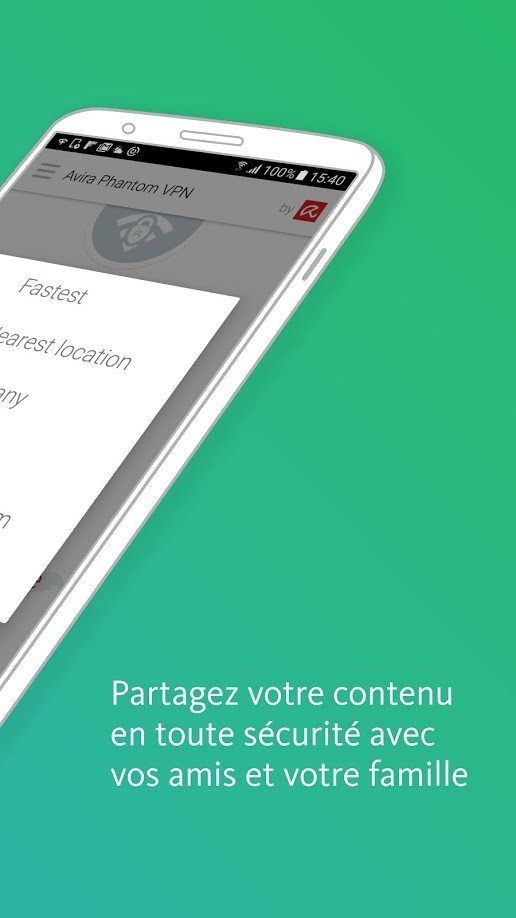
There is a catch for the paranoid. The application includes a kill switch. This feature cuts your internet connection if the VPN drops, preventing any accidental data leaks. However, this is reserved for the Pro version. If you have critical confidentiality needs, you will need to upgrade.
Platform Compatibility and Installation Details
Flexibility is the name of the game here. Avira Phantom VPN plays nice with almost everything. It supports Windows 7 through the latest Windows 11. macOS is also covered. This ensures your modern desktop or laptop is protected regardless of the OS.
Mobile devices are not left behind. Dedicated apps exist for Android and iOS. Whether you are on an iPhone, iPad, or an Android smartphone, your browsing is secured on the go.
Installation is straightforward. No advanced technical skills are required. You download the software from the official Avira site or the Futura-Sciences library. On Windows and macOS, you run the installer, accept the terms, choose a folder if you wish, and let the program handle the rest.
For mobile users, the process is even simpler. Grab the app from the Google Play Store or Apple’s App Store. Launch it. You are ready to browse securely.
Linux users might face a wall. There is no native version for Linux distributions like Ubuntu, Debian, or Fedora currently. Avira has not announced any plans to change this. If you are deep in the Linux ecosystem, you are out of luck for now.
There is a workaround for browser users. The extension for Chrome allows for targeted encryption. You can choose to encrypt only your web traffic without impacting the entire network of your machine. It is a quick fix for specific needs.

Avira Phantom VPN operates on a classic freemium model. You can test the waters without opening your wallet. The free version gives you core features like data encryption and access to international servers. It is functional. It is basic.
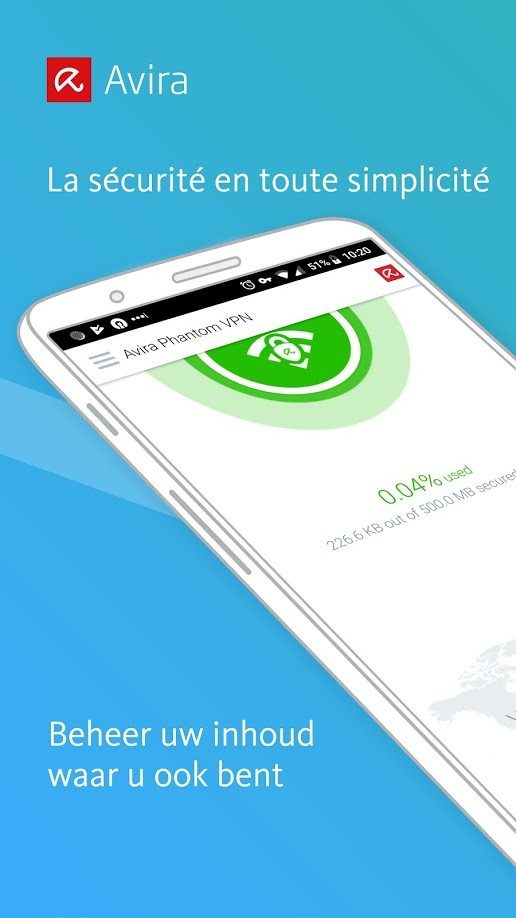
But there is a hard cap. You get 500 MB of traffic per month.
That is not enough for streaming. It is barely enough for heavy browsing. This limit pushes the free tier toward occasional use. Think public Wi-Fi on a coffee shop stop. A quick login to check emails on a risky hotel network. That is the sweet spot. If you try to use it daily, you will hit the wall fast.
Choosing the Pro plan for serious use
To break free from that 500 MB restriction, you have to upgrade. The Avira Phantom VPN Pro subscription unlocks the real utility.
This is where you get the kill switch. If your connection drops, your data stays private. You also get manual server selection. This matters if you need to bypass a specific block or find a faster route.
Pricing varies. You can pay monthly or commit annually. The longer the term, usually the better the rate. You also pay based on how many devices you protect simultaneously. There is no special student discount right now. No specific group pricing.
However, Avira runs promotions. Watch for seasonal sales. These events often bring the price down significantly. The official website hosts a simulator. Use it. It helps you pick the right tier for your device count and budget.
Managing licenses and updates
One Pro license covers multiple devices. Laptops. Phones. Tablets. You are not locked into one machine. This makes it viable for personal and light professional use.
The software handles its own maintenance. Updates are automatic. You do not need to touch anything. The system stays secure without your input.
You can force an update check if you want to be sure. The interface allows you to search for the latest patches manually. This is useful if a new security threat emerges or a new OS version drops and you want immediate compatibility.
What about old versions?
Can you install an older version of Avira Phantom VPN? The developer pushes you toward the latest release. Security and stability are the reasons.
Older builds are archived on specialized sites. You can find them. But you should not use them. They lack current security patches. They are vulnerable. Stick to the current version.
Who should actually use this?
Beyond unblocking geo-restricted content, there are better reasons to run a VPN.
Public networks are the primary enemy. Hotel Wi-Fi. Airport hotspots. Restaurant connections. These are wide open. Avira Phantom VPN encrypts your traffic. It keeps prying eyes out.
Remote workers benefit too. It secures the link to company resources. It is a basic layer of defense for telecommuters.
Privacy advocates also find value. Data collection for advertising is rampant. This tool helps mask your activity from those profiling engines. It adds a layer of anonymity.
Support and learning curve
The tool is intuitive. You do not need a degree in networking to use it.
If you do get stuck, there is an online help center. Detailed documentation is available. It covers technical questions and installation hiccups. The manual update feature is part of this support ecosystem. It ensures you are always protected against known vulnerabilities.
There are no official certifications for Avira Phantom VPN. No professional training courses. This is expected. It is a consumer-grade tool.
For advanced users, the learning stops there. You might look for broader cybersecurity resources. General best practices for VPNs are widely available. The tool itself requires little study. It is about understanding why you need privacy online. The software is just the mechanism.
The landscape shifts. New threats emerge. The free tier remains a gatekeeper. The Pro version offers the keys. Whether you pay depends on how much you value your data. And how much traffic you actually consume.
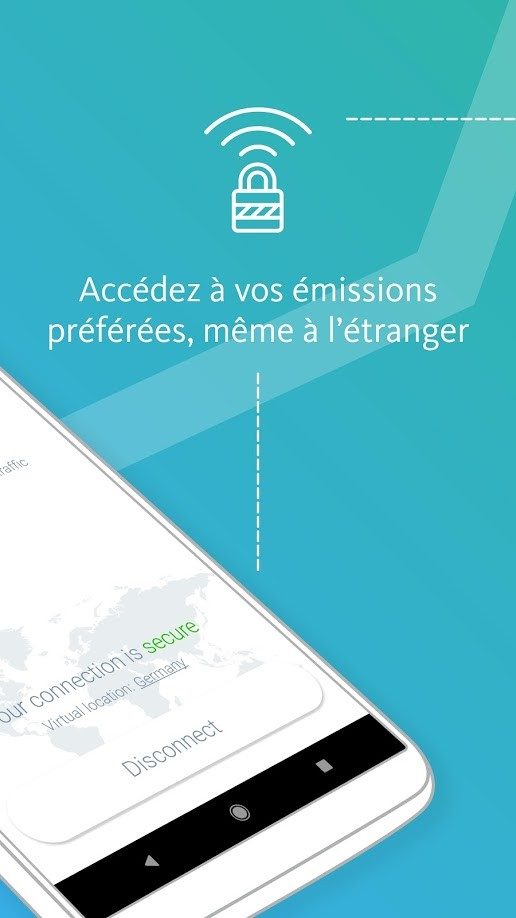
The technical architecture behind Avira Phantom VPN matters more than you might think before clicking download. You aren’t just grabbing a security tool. You are integrating a network layer into your daily digital life. The specifications dictate compatibility, speed, and privacy levels.
The service operates on a freemium model. This means you get a functional free tier but hit walls with features like the kill switch. The publisher, Avira, has built this for the major operating systems. If you run Windows 7 through 11, macOS, Android, or iOS on an iPhone or iPad, you are covered. It is not niche software. It targets the masses.
Encryption and Protocol Details
Security is where the rubber meets the road. Avira uses AES 256-bit encryption. This is the industry standard. It is the same encryption used by governments and banks. The protocols adapt based on your platform, which is smart engineering. A mobile device has different constraints than a desktop PC.
The core function remains consistent. It creates an encrypted tunnel. Your IP address is masked. This prevents third parties from tracking your location or intercepting your data. The server network is international. You can select a country to route your traffic through. This helps with privacy. It also bypasses geo-restrictions for streaming or content access.
“The quality of the experience depends heavily on your network access point and the exit country chosen.”
Features and Limitations
The free version comes with a monthly data quota. It is limited. If you stream video or download large files, you will burn through that allowance quickly. It is fine for browsing. It is not fine for heavy usage.
The Pro version unlocks the kill switch. This is a critical feature. If your connection drops, the kill switch cuts your internet access immediately. It prevents your real IP from leaking. The free version lacks this safety net.
There is also a Chrome extension. This is a lightweight option. It only encrypts browser traffic. It does not touch system-wide data. This is useful for targeted privacy without bogging down your entire OS. It is a quick fix for specific needs.
Installation and Maintenance
Updates are automatic via the application. You do not need to manually hunt for patches. This keeps your security posture current. The installer size varies by platform. You need an internet connection for authentication and usage. This is standard for any VPN service.
The software is multilingual. It supports both French and English, among others. Downloading is straightforward through official sites or partners like Futura. You select the version for your device. You run the guided installation. It is quick.
This summary clarifies which version fits your workflow. Are you protecting sporadic public Wi-Fi sessions or securing your daily commute? The choice hinges on your data needs and budget. The extension offers a compromise for those who only care about web browsing. But for full system protection, the main app is the way to go. The technology works quietly in the background. Until it doesn’t.
The Hidden Cost of Cloud Efficiency
You think you’re saving money by moving to the cloud. You are probably wrong.
Cloud providers want you to believe in the “pay-as-you-go” model. It sounds flexible. It sounds safe. But that model has a flaw. It rewards inefficiency with higher bills. When you leave servers running idle, you pay for air. When you over-provision storage, you pay for space you do not use. The bill does not care about your budget. It only cares about what you consume.
This is where cloud cost optimization stops being optional. It becomes survival.
Spot Instances and Risk Management
Not every workload needs a dedicated server. Some workloads can afford interruptions. These are the tasks that can be paused or restarted without breaking the application. Think batch processing. Think data analysis. Think rendering.
For these tasks, spot instances are the answer. They use unused capacity. Providers sell this surplus at a steep discount. You can save up to 90% compared to on-demand pricing.
The catch? The provider can take the instance back. They do this when they need the capacity back for their own customers. You get a two-minute warning. Then it is gone.
“Spot instances are cheap until they are not. You must design for failure.”
If your application cannot handle a sudden reboot, do not use spot instances. Or, use them carefully. Distribute the load. Use multiple providers if you can. Do not put all your eggs in one basket.
Right-Sizing: Stop Over-Engineering
Engineers love to over-provision. You fear running out of resources more than you fear wasting money. So you double the CPU. Triple the RAM. It feels safe. It is expensive.
Right-sizing means matching resources to actual usage. It requires data. You need to look at metrics over time. Look at the 90th percentile of CPU usage. Look at memory spikes. If your server averages 10% CPU utilization, you do not need a 16-core machine. You need a smaller one.
This is not a one-time fix. Workloads change. Traffic patterns shift. You must monitor. You must adjust. Tools like AWS Compute Optimizer or Azure Advisor can help. They analyze historical data and suggest changes. But you must verify the recommendations. Blindly accepting them can break things.
Automated Scaling Policies
Manual scaling is dead. It is too slow. It is too reactive. You cannot watch a dashboard 24/7. You need automation.
Define policies that trigger scaling events. Add more instances when CPU hits 70%. Remove them when it drops to 20%. This keeps costs aligned with demand. You pay for what you need. When traffic spikes, you scale up. When it drops, you scale down.
But be careful with aggressive policies. Too much fluctuation can cause instability. It can lead to what experts call “flapping.” Instances launch, work, terminate, and relaunch in rapid succession. This wastes resources and adds complexity. Set cooldown periods. Give the system time to stabilize before triggering another action.
Reserved Instances and Savings Plans
If you know what you will use, commit to it. On-demand pricing is the most expensive option. It is designed for unpredictable workloads. If your workload is predictable, you should pay for it differently.