


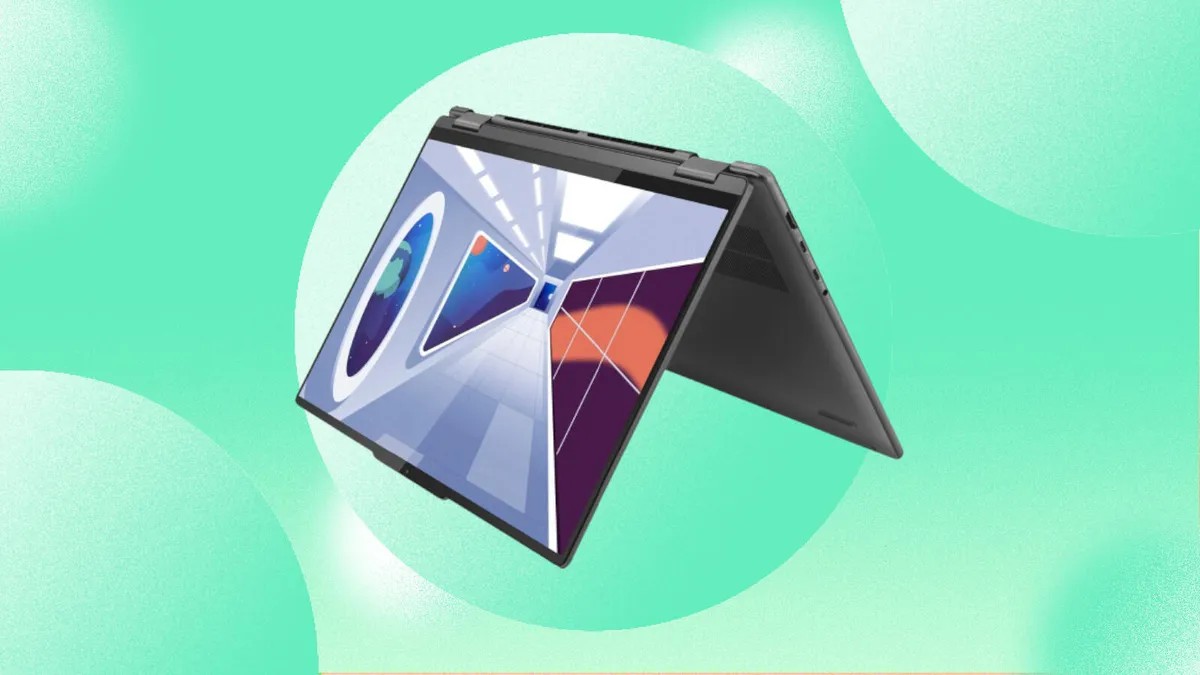



The market for 2-in-1 laptops is vast, with models available across a wide range of prices and specifications. If you’re overwhelmed by options, you’re not alone. This guide breaks down the essential factors to consider when selecting a 2-in-1, ensuring you get a device that fits your needs without overspending.
Price and Longevity
Most people keep a laptop for at least three years. If possible, invest slightly more upfront to secure better specifications. Budget models can feel outdated quickly, especially as software demands increase. In the past, you could upgrade components later, but manufacturers are increasingly soldering parts in place. This means choosing the best configuration you can afford from the start is more critical than ever.
Currently, a reliable 2-in-1 for basic tasks costs between $700 and $800. Creative work or gaming requires a budget of $1,000 or more. Look for discounts to maximize your investment.
Operating System: Windows vs. ChromeOS
The primary choice is between Microsoft Windows and Google’s ChromeOS. While Apple remains the only major manufacturer that has yet to release a hybrid MacBook/iPad device, Windows dominates the 2-in-1 market. ChromeOS is a viable option for budget shoppers, but ensure your essential applications are compatible.
ChromeOS runs web apps, Android apps, and Linux apps. If your workflow relies heavily on desktop software or resource-intensive tasks, Windows is the better choice.
Size and Portability
2-in-1 devices balance laptop functionality with tablet convenience. A 16-inch model may be ideal for productivity but unwieldy in tablet mode. Conversely, an 11-inch tablet might feel cramped for extensive typing.
Screen size dictates battery size, thickness, weight, and price. Ultrathin designs don’t always equate to lighter weights, and smaller models often have fewer ports. Finding the right balance between usability and portability is key.
Screen Resolution and Quality
Higher resolution means sharper images and text. Aim for at least 100 pixels per inch (PPI). While screen size matters, resolution is more important for clarity. A 4K screen on a 14-inch device may sound excessive, but it can be essential for detailed tasks like spreadsheet editing.
Manufacturers often fail to provide adequate context for screen specifications (brightness, color accuracy, HDR support). Research thoroughly or consult independent reviews before assuming specs match reality.
Processor (CPU) Performance
Intel and AMD dominate the Windows laptop CPU market. Qualcomm’s Snapdragon X processors offer a new Arm-based alternative. Both Intel and AMD offer a variety of chips for different laptop types: power-saving models for ultrabooks, and faster processors for gaming laptops.
Apple uses its M-series chips in MacBooks, offering a simpler, more streamlined experience. The more cores a processor has, the better its overall performance.
Graphics Processing (GPU)
Integrated GPUs (iGPUs) are built into the CPU, making them cheaper and more energy-efficient. Discrete GPUs (dGPUs) are separate chips with dedicated memory, offering superior performance.
If you plan on gaming, video editing, or running demanding software, a dGPU is essential. Nvidia and AMD are the main dGPU manufacturers. Basic tasks like browsing and streaming are fine with an iGPU.
Memory (RAM) Requirements
16GB of RAM is recommended (8GB is the absolute minimum). Insufficient RAM forces the system to use slower storage, slowing performance. Many budget laptops still ship with 4GB or 8GB of RAM, which can lead to frustrating slowdowns.
Many manufacturers now solder RAM directly onto the motherboard, making upgrades impossible. Check specs carefully before purchasing.
Storage: SSD vs. HDD
Solid-state drives (SSDs) have largely replaced traditional hard drives in 2-in-1 laptops due to their speed and reliability. Cheaper models may still use slower SSDs, which can impact performance. If possible, opt for a faster SSD and consider cloud storage or external drives to supplement smaller internal storage capacities.
Conclusion:
Choosing a 2-in-1 laptop requires careful consideration of price, specs, and intended use. Prioritize a robust processor, adequate RAM, and a fast SSD. With a little research, you can find a device that balances performance, portability, and longevity.