




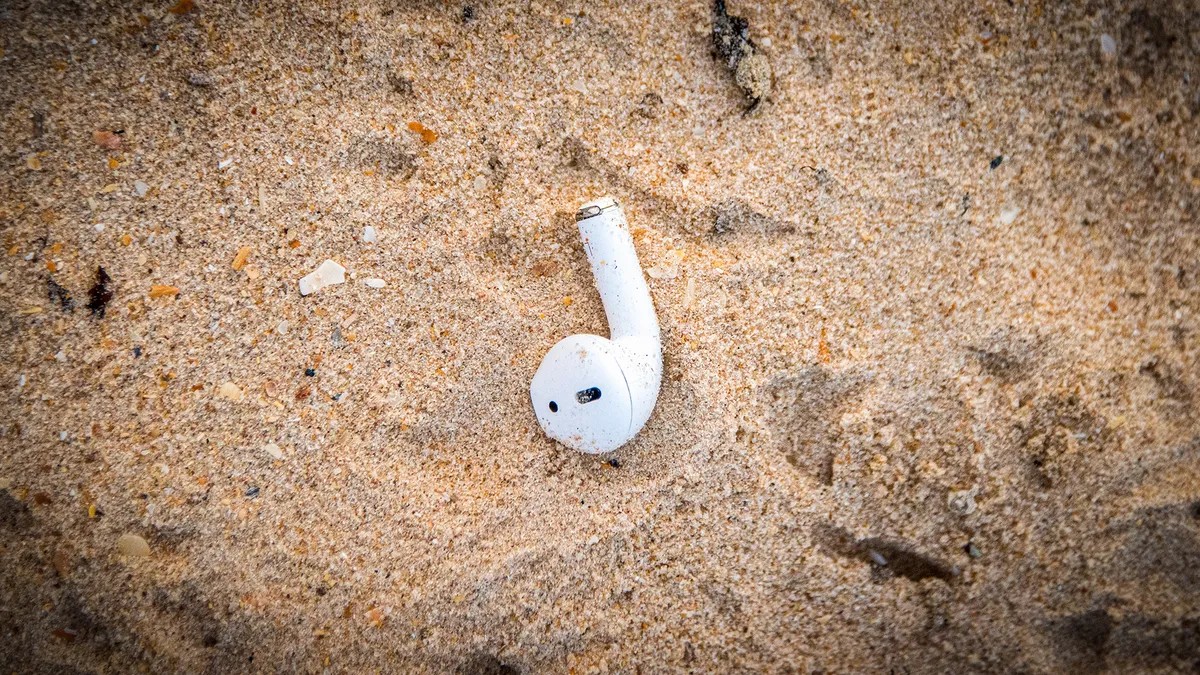
Losing a single AirPod is a common frustration for Apple users. These devices are compact, easily dislodged, and costly to replace individually. However, Apple has integrated robust tracking capabilities directly into the ecosystem, making recovery significantly easier than with many competitor earbuds. By leveraging the Find My app, users can locate missing earbuds through sound cues or map-based tracking, provided certain conditions are met.
Prerequisites: Ensuring Find My Is Active
The most critical step in the recovery process is proactive setup. The Find My feature must be enabled before a device goes missing; it cannot be activated retroactively once an AirPod is lost.
To verify your settings:
1. Open the Settings app on your iPhone.
2. Tap your name at the top of the screen.
3. Select Find My, then tap Find My iPhone.
4. Ensure the toggle for Find My iPhone is switched to On.
Once enabled, this setting automatically registers your connected AirPods and Apple Watch within the Find My network. If this step is skipped, locating a lost device becomes nearly impossible through official channels.
Locating AirPods Within Bluetooth Range
If your AirPods are within Bluetooth range of your iPhone (typically within 30 feet or 10 meters), the Find My app provides real-time location data and audio assistance.
- Open the Find My app on your iPhone or visit iCloud.com/find on a computer.
- Navigate to the Devices tab and select your AirPods from the list.
- If the device is nearby, you will see its current location on the map. Tap Play Sound.
This action triggers a chirping noise from the earbuds to help you pinpoint their physical location. Key details to note:
* Volume Progression: The sound starts softly and gradually increases in volume over two minutes.
* Case Status: If an AirPod is inside its charging case, it will not emit a sound, as the case blocks the speaker and conserves battery.
* Side Selection: You can toggle between the left (L) and right (R) earbuds to isolate which one is missing.
* Repetition: If the two-minute cycle ends before you locate the device, simply tap Play Sound again.
Navigating Limitations and Long-Range Scenarios
The effectiveness of Find My depends heavily on the state of the AirPods and their proximity to your Apple devices.
When AirPods Are Out of Range
If your earbuds are too far away for Bluetooth connectivity, the app will display the last known location where your iPhone last connected to them. You can use this data to navigate back to that spot. Once you are within range, you can then attempt to play a sound.
The Challenge of Lost Cases
Recovery becomes significantly more difficult if the AirPods were lost while inside their charging case. In this scenario:
* The case has no GPS or active Bluetooth beacon when closed.
* The app may not show a recent location.
* You cannot trigger a sound.
However, there is a fallback mechanism. If another Apple user finds the case and opens it, their device may anonymously detect the AirPods via the Find My network. This can update the location in your app, alerting you that the device has been found. While this is not guaranteed, it offers a potential recovery path for lost cases.
AirPods Max Specifics
Apple’s over-ear headphones, the AirPods Max, have different battery and tracking parameters:
* In Smart Case: The headphones can be tracked for up to 18 hours after being placed in the case.
* Outside Case: If the headphones are out of the case, they remain trackable for up to 72 hours before the battery depletes entirely.
Conclusion
While no tracking system is foolproof, Apple’s integrated Find My network offers a reliable method for recovering lost AirPods, provided the feature is enabled beforehand. Understanding the limitations—such as the inability to track closed cases or dead batteries—helps manage expectations and guides users toward the most effective recovery strategies.