


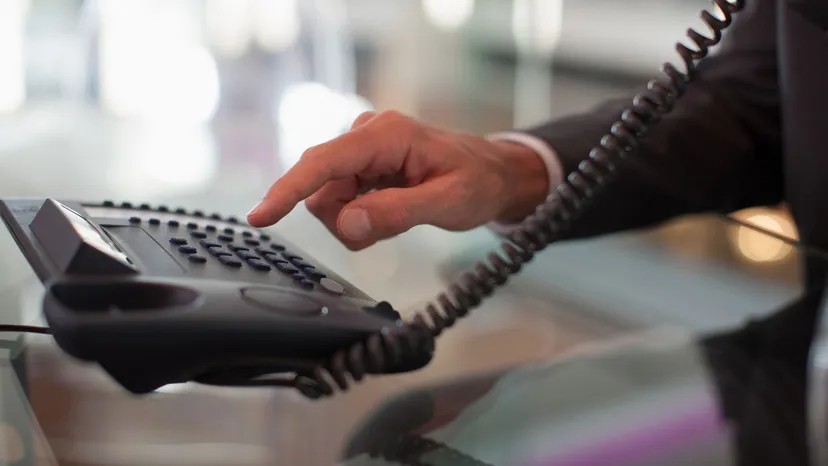
You are on the phone with an important client. Or maybe you just want to enjoy a quiet dinner. Either way, you don’t want to miss your home office ringtone. If you rely on a traditional landline, staying in touch is often a gamble. Unless you have configured call forwarding.
This function corresponds to the digital equivalent of a wire. It takes an incoming voice call on your fixed line and reroute them to your mobile device. You stop being tethered to the wall jack. You become available.
Understand the basic mechanism
Before you start punching codes, you need to know what you are doing. Call forwarding is not magic. It is a signaling protocol built into the Public Switched Telephone Network (PSTN) infrastructure. When you activate it, you’re telling your local exchange to redirect traffic.
The basic process is simple. You dial a specific prefix. Enter destination number. You confirm. Done.
Enabling normal call forwarding
Most major US landline providers support the *72 code. This is an old standard, but still valid. Here is the exact sequence:
- Pick up the landline handset.
- Dial *72.
- Listen for the dial tone. This is very important. If you don’t get a tone, your code may have been rejected or your line may be blocked.
- Enter the 10-digit mobile phone number to which you want to forward the call.
- Press **# or wait until you hear a confirmation tone.
- Hang up.
“I’ll hang up when I’m done.” – This isn’t just polite. It finalizes the signaling request.
Testing and Verification
Don’t assume it worked. Assume failure until proven otherwise.
Call your landline from a different phone. If it rings your cell, you’re good. If your landline rings and you’re not there, you missed it. Test it when you’re actually away from your desk.
Canceling the Forward
You may want your landline to ring again when your meeting ends or you return to the office.
Call **73.
That’s it. You should hear a confirmation tone. Some providers require a *# at the end. If you’re not sure, check your carrier’s quick guide. But in general, 73 is a general purpose “off” switch for basic forwarding.
Advanced and Conditional Options
Normal forwarding sends “everything” to your phone. In some cases this may be too much. You may want to transfer calls only when you are busy. This is conditional call forwarding.
Carriers handle this differently. For example, Verizon uses *71 followed by the destination number. Other service providers can use 77 or 721. Check your service provider’s documentation.
Modern options: applications and portals
If you’re still calling from a landline in 2024, you’re in trouble.
Most VoIP and modern telecom providers offer a web portal or mobile application. For example, Vonage lets you manage simultaneous ringing right from the app. You can enable and disable forwarding without touching a single keypad.
This is less error-prone. You can see exactly which numbers are active. You can set a schedule. You can manage multiple lines from one interface.
Cost and Carrier Fees
This is the problem. Call forwarding is rarely free.
Your operator may charge a per-call fee. Alternatively, we may charge a monthly subscription fee for that feature. Normal long distance charges are charged for long distance calls. Porting to an international number may result in higher charges.
Check the price plan. Ask your service provider about transfer fees before you activate your week-long vacation.
Why this matters for remote workers
The line between “home” and “office” is blurring. If your business runs on a landline and the landline goes down while you’re away, you’ll lose it.
Call forwarding bridges this gap. Ensure business continuity. Prevents lead loss. Maintain a consistent professional image wherever you are.
Alternatives and future perspectives
Landline phones are disappearing. If you’re serious about communications, consider a virtual PBX system. These services offer toll-free numbers, local service with different area codes, and advanced routing rules.
Some smartphones have built-in forwarding settings. You can usually activate it directly from the iPhone settings or the Android phone app. But if your primary line of business is a traditional copper wire phone, relying on mobile call forwarding won’t help.
The infrastructure is changing. But until the last landline is disconnected, 72 and 73 are the most reliable way to keep in touch.
Frequently asked questions
What code can be used to cancel call forwarding?
Usually *73. Depending on your service provider, * * may be required at the end. Check your carrier’s specific instructions.
Can I transfer calls to your mobile phone?
Yes. But the code is different. *72 Commonly used in landline telephones. Mobile networks often use different code-based or application-based settings.


